This page shows how you can help Malvern Community Forest map the Conker Trees of Malvern.
This is part of our project to map the Conker Tree of malvern
If you have an mobile phone or tablet then we use apps provided by Epicollect5. If you do not have a suitable mobile phone or tablet then data can be added via the web see here.
Using the app
The Epicollect app is available for Android phones and tablets, iPhones and iPads.


This tutorial used screenshots from the Android version of the app.
Once have installed the app the first thing you have to do is add our project. Select the "+ Add Project" 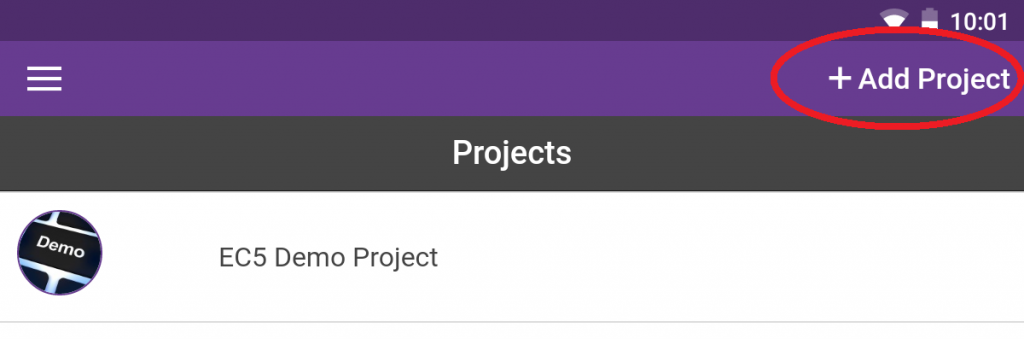
The search for our project MALVERNCONKERTREES, just typing in Malvern is enough. And select it.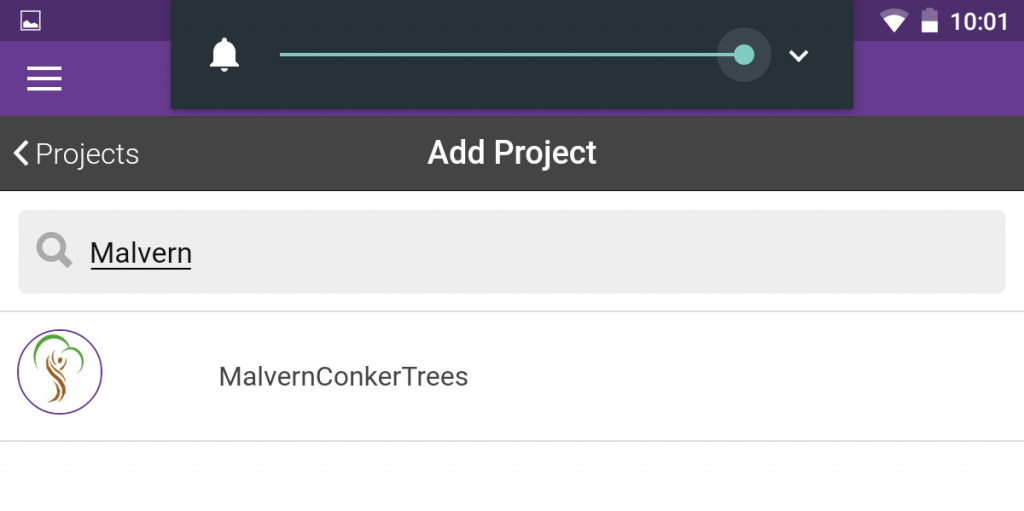
One you have download our project you can collect data, you do not need to be online to collect data. To start collecting first chose our project and then select "+add entry"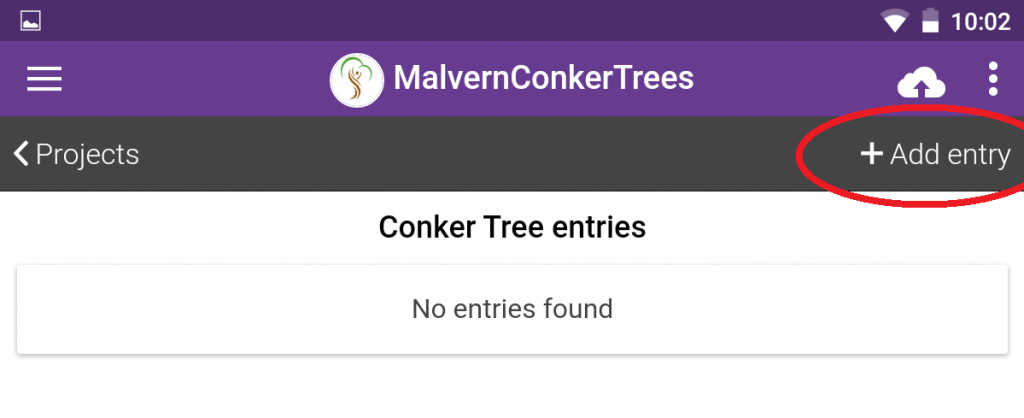
This first data to be collected is the location of the tree. To do do this take your device near to the tree. Select the "update location". It takes time for GPS to get a good accuracy so if the accuracy is greater than 10 try again a few times. If it does not get less than 10 then continue anyway. 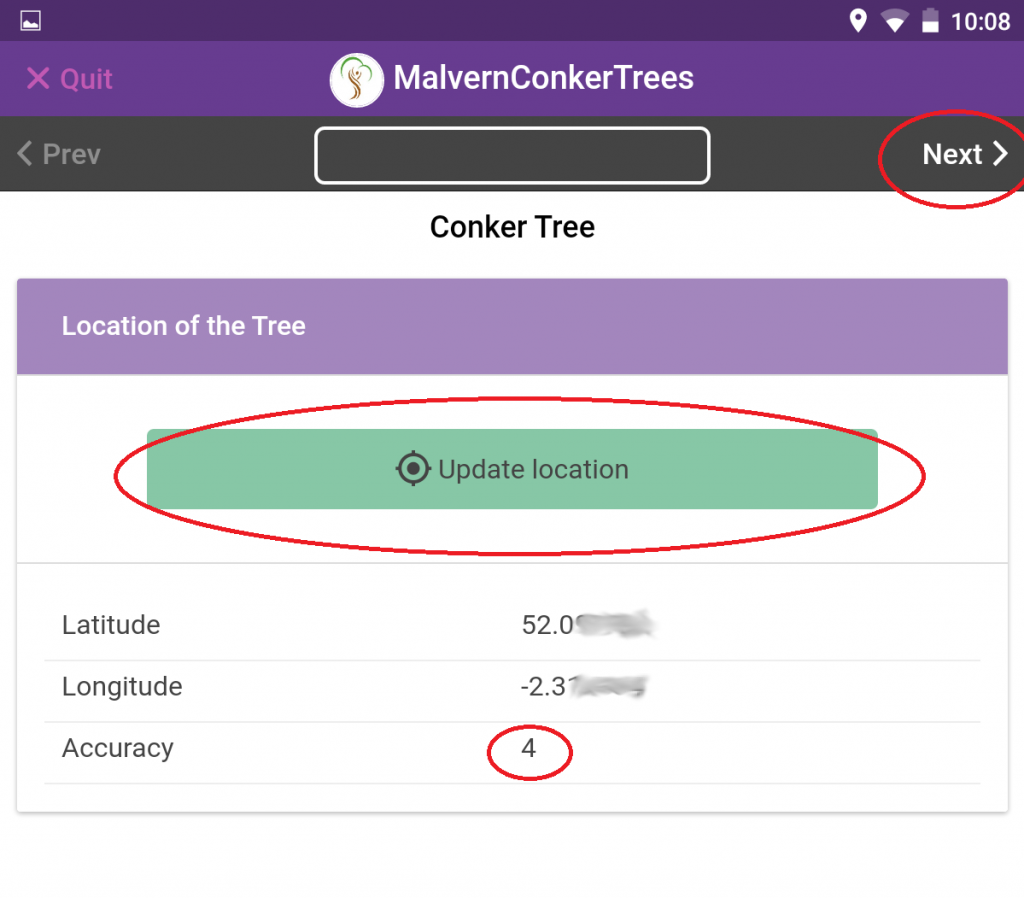 Once you have the location select the "Next >" and you will be asked a few questions about the tree. When you have answer a question select "Next >" again to go to the next question.
Size: There four option here
Small up to about 4 meters high.
medium up to about 10 meters high,
large a normal big tree,
very large if you think it's a monster.
The default is large and if you are not sure leave the answer as large.
Number of trees: enter this when they are one than one tree growing close together so that from a distance they look like one tree.
Colour of Flower: If it's the standard Horse Chestnut with White flowers (Aesculus hippocastanum) or the Red Horse Chestnut (Aesculus × carnea).
Any other information: anything else you wish to say about the tree.
You will then have to opportunity to add a photo of the tree. One you have fished all the questions select "Save entry" to save the tree's data to your device,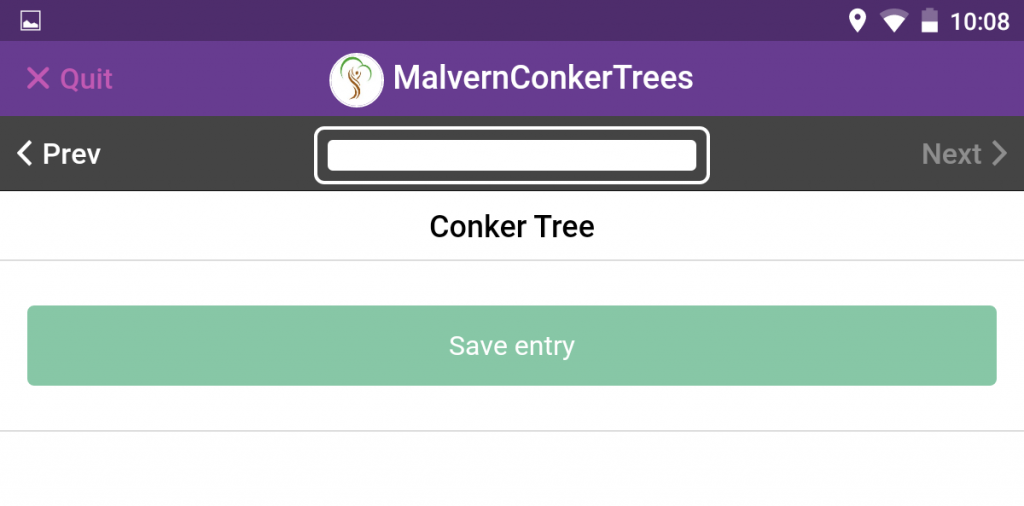
If there are more than one tree then repeat for each tree.
Finally and most importantly you need to upload the data, this can be done later when you are online. to do this select "Upload now":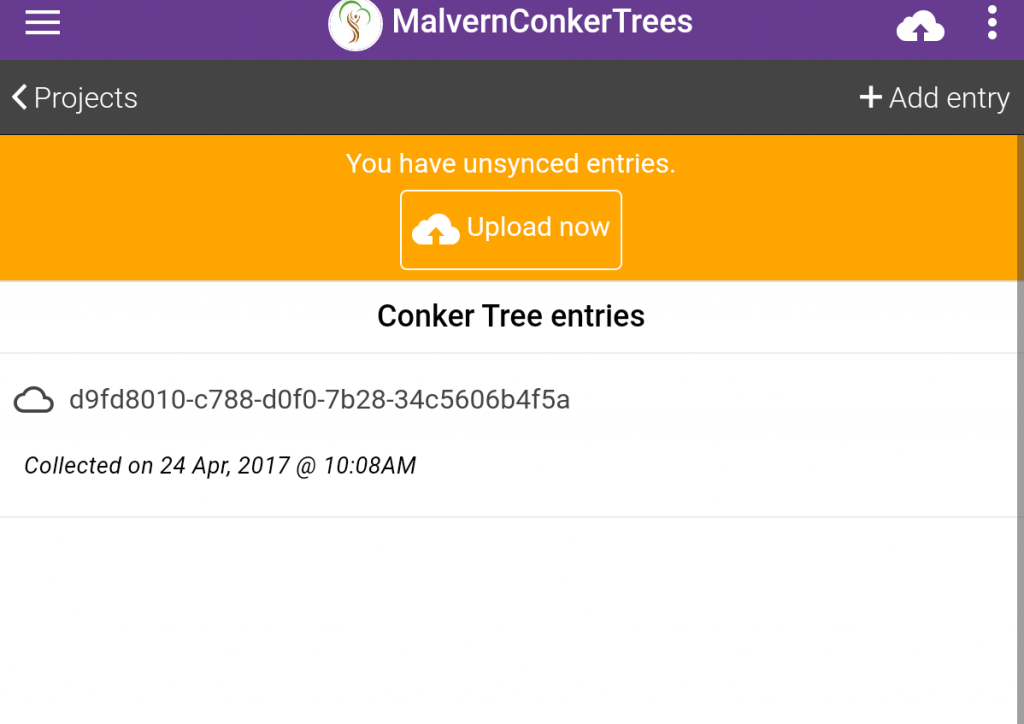
If you want you can also email us at conkers@malverncommunityforest.org.uk to let us know and so that we can update on how the project is progressing.